A big comparison: the top AI tools for generating images
In today's digital era visual content is becoming a key tool for capturing an audience's attention.

Leo Seres
Digital Graphic Designer
20. September 2024
7 min
BeginnerIn today's digital era visual content is becoming a key tool for capturing an audience's attention.
Leo Seres
Digital Graphic Designer
20. September 2024
7 min
BeginnerIn today's digital era visual content is becoming a key tool for capturing an audience's attention. AI tools for generating images from text, such as DALL-E or Midjourney, let you create unique, creative images from simple text prompts. Of course without needing advanced design skills.
These tools save not only time and resources but also open new possibilities in creating visuals. In this article we will look at the best tools available, their advantages and drawbacks, and offer you a few examples of how you can use them in practice.
AI tools for generating images from text use advanced machine learning models to transform text descriptions into visual content. These are algorithms that analyse the text entered, recognise key elements and then generate images matching those descriptions.
The models train on a huge number of images with text descriptions, which lets them understand the relationship between words and visual elements better. When a user enters a text request, the model analyses the individual keywords and concepts and creates an image matching the description entered. You can use them in various areas, from marketing and advertising to art and design.
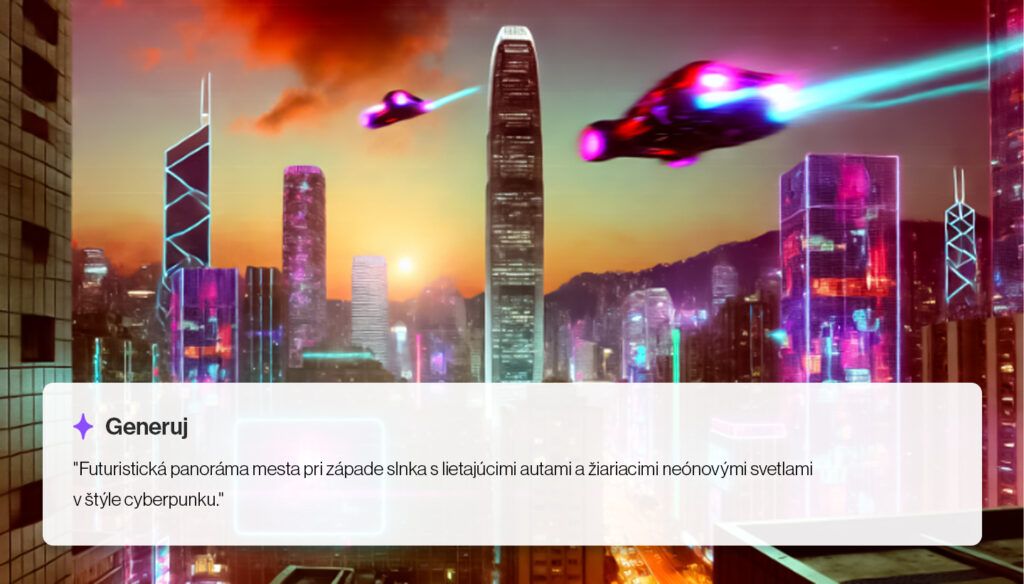
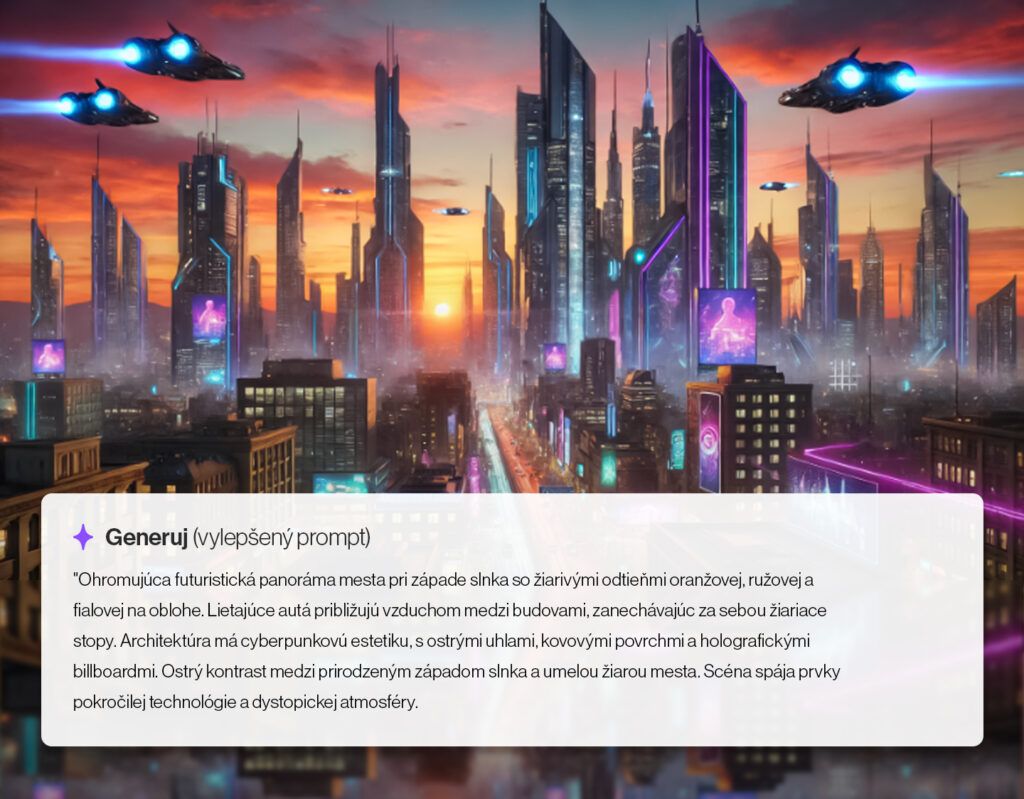
We offer a comparison of several AI tools for generating images from text. For each tool we used 2 kinds of prompt with the same brief, one prompt being basic and the other more descriptive. At the same time we used a third prompt that was the same for every tool, so that we could compare the quality of the output. We entered all the prompts in English.
DALL-E 3 is the third version of OpenAI's revolutionary tool that can generate images from text prompts. This tool is particularly known for its ability to create realistic and surreal images that precisely reflect the text entered.
It generates images in a wide spectrum of styles. The user can specify various artistic styles, colours, compositions and other details, which lets them create adapted visual material for various purposes. This flexibility helps marketers greatly, as they create content for various target groups.
Advantages:
Drawbacks:
Runway is a platform offering AI tools for creatives, including generating images from text. It is an excellent tool for those looking for a simple way to bring AI into their creative process. It also suits users looking for an intuitive solution with the option of adapting the output. Unlike other generators it focuses on creating videos too.
Advantages:
Drawbacks:
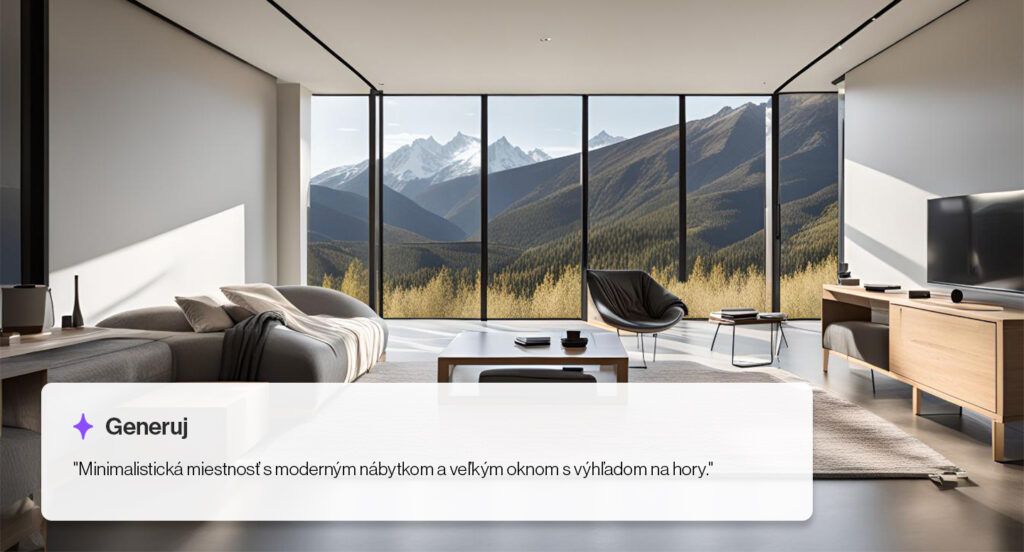

Freepik Pikaso is a tool focused on ease of use, which makes it attractive to beginners who want to create images from text quickly. It is fast and simple to use. It offers a wide range of styles, which lets you cut loose creatively.
Simply enter a prompt, choose a style, adjust the colour and light. It can transform a sketch into an image you can edit in real time. It also has further features such as raising image quality and the option of fine-tuning details with high-resolution AI.
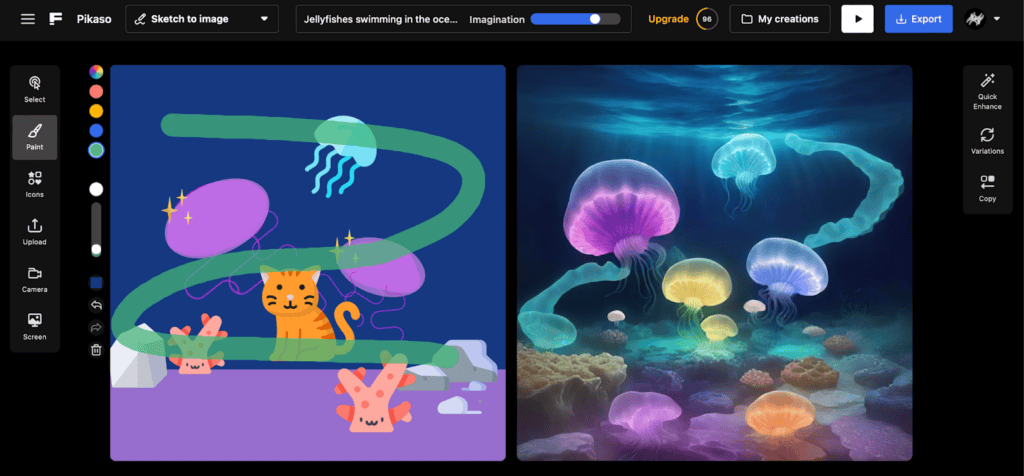
Advantages:
Drawbacks:

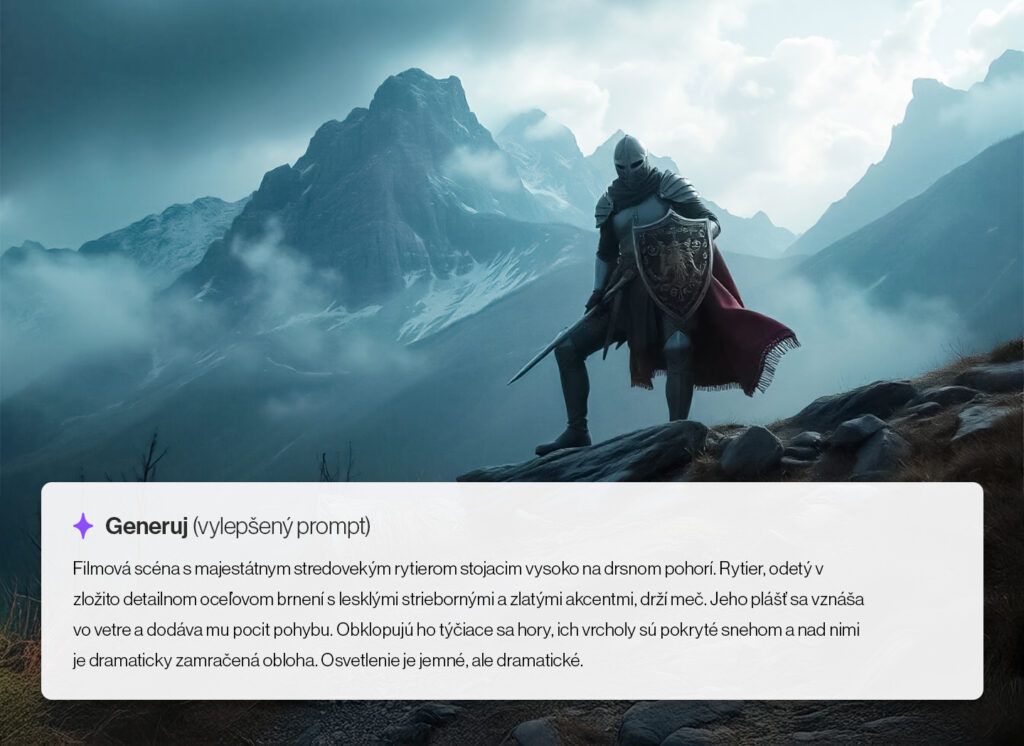
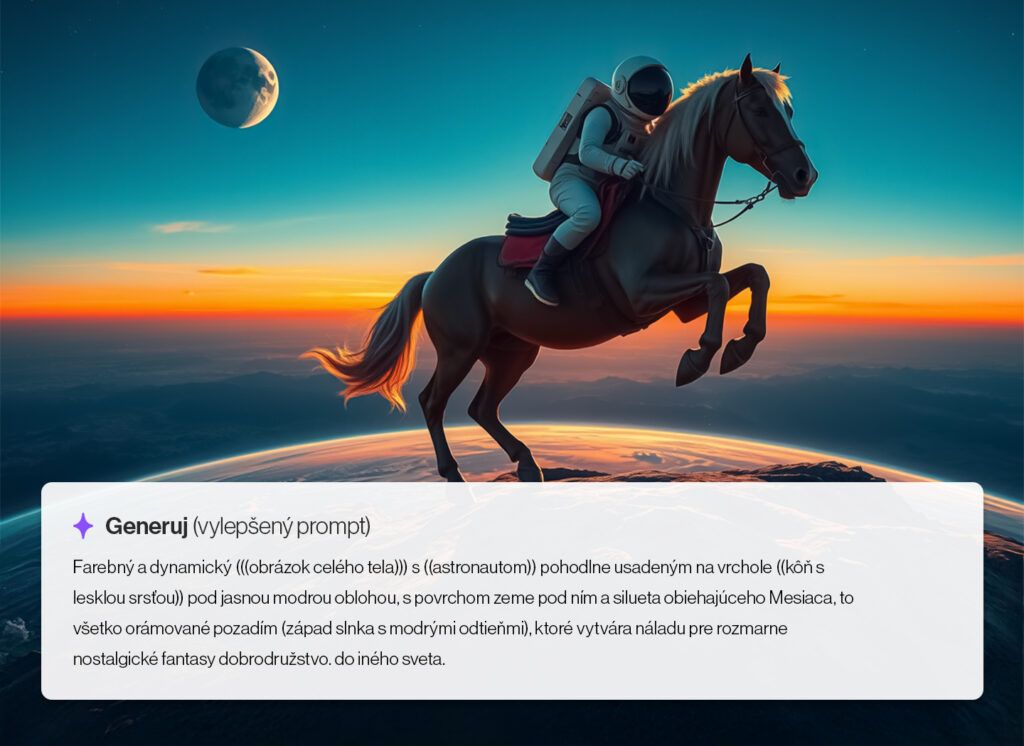
Gencraft is an AI tool focused on generating high-quality images with an emphasis on detail and accuracy. This tool is popular among professionals who need to create precise, detailed visualisations. Remix artwork from more than 10 million users. Create amazing images, avatars and photographs. You enter the prompt you want generated into two unique images or into one 2-second video.


The more specific the prompt, the more the result will match what you imagine. If you are looking for inspiration, you can use the option of clicking "surprise me" and showing a random image. You can use the image as it is or use it as a starting point. If you need help creating a prompt, you can use the "enhance prompt" function.
Advantages:
Drawbacks:
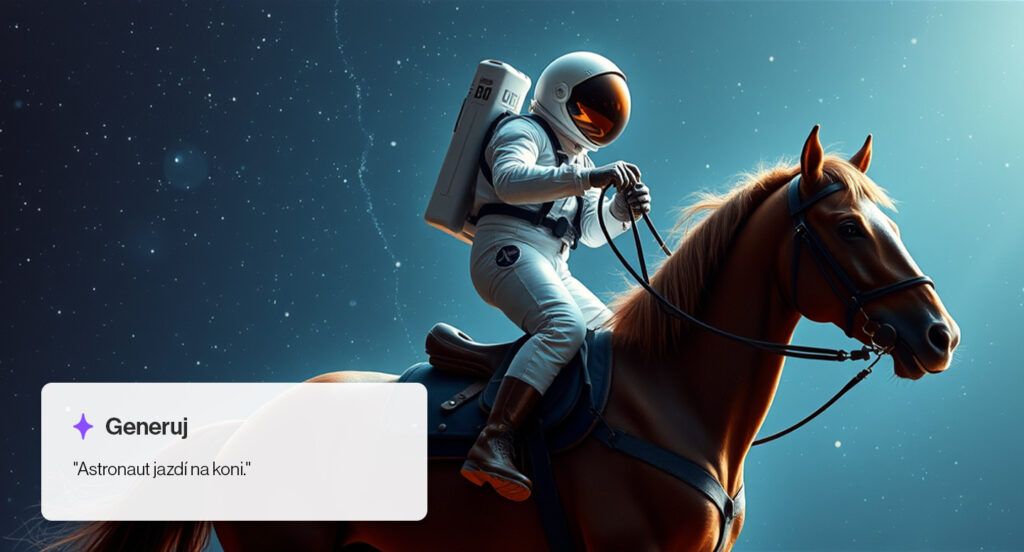
Recraft is a tool combining simplicity with powerful options for creating images from text. It suits users looking for an intuitive solution with the option of adapting the output.
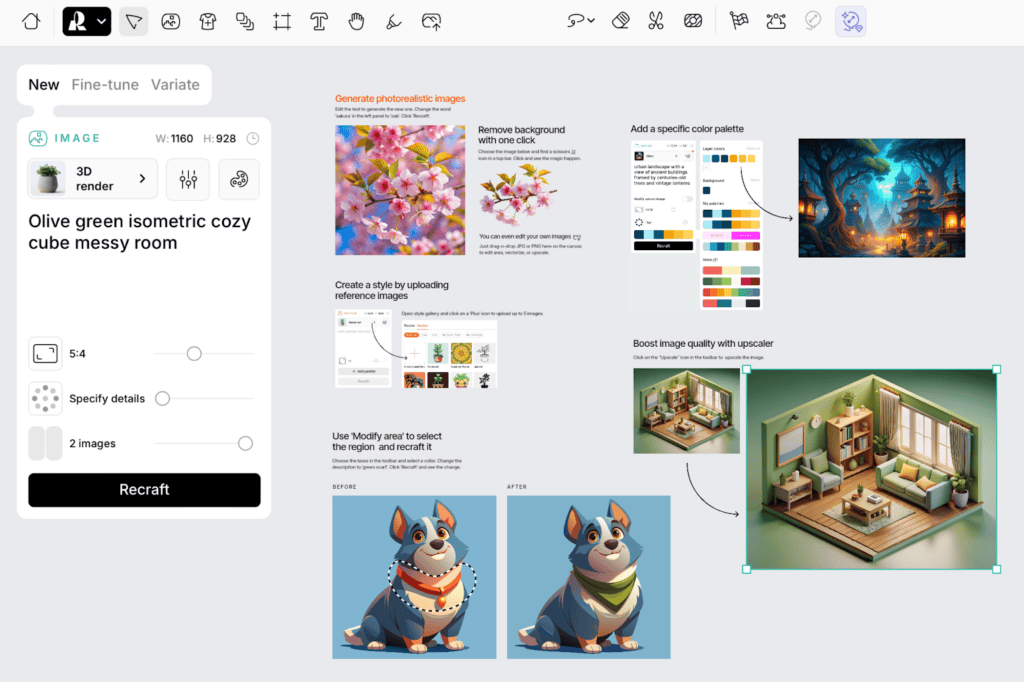
Advantages:
Drawbacks:
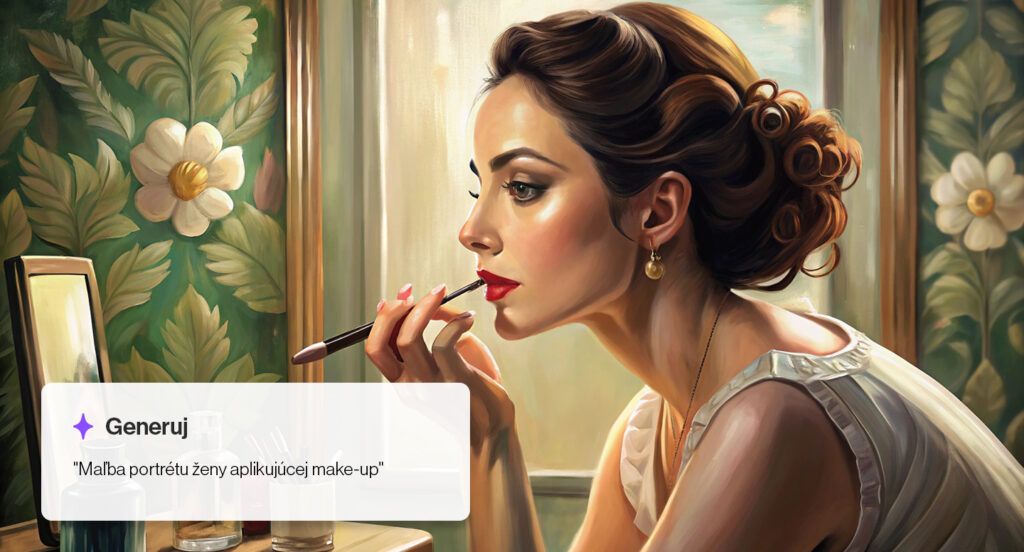
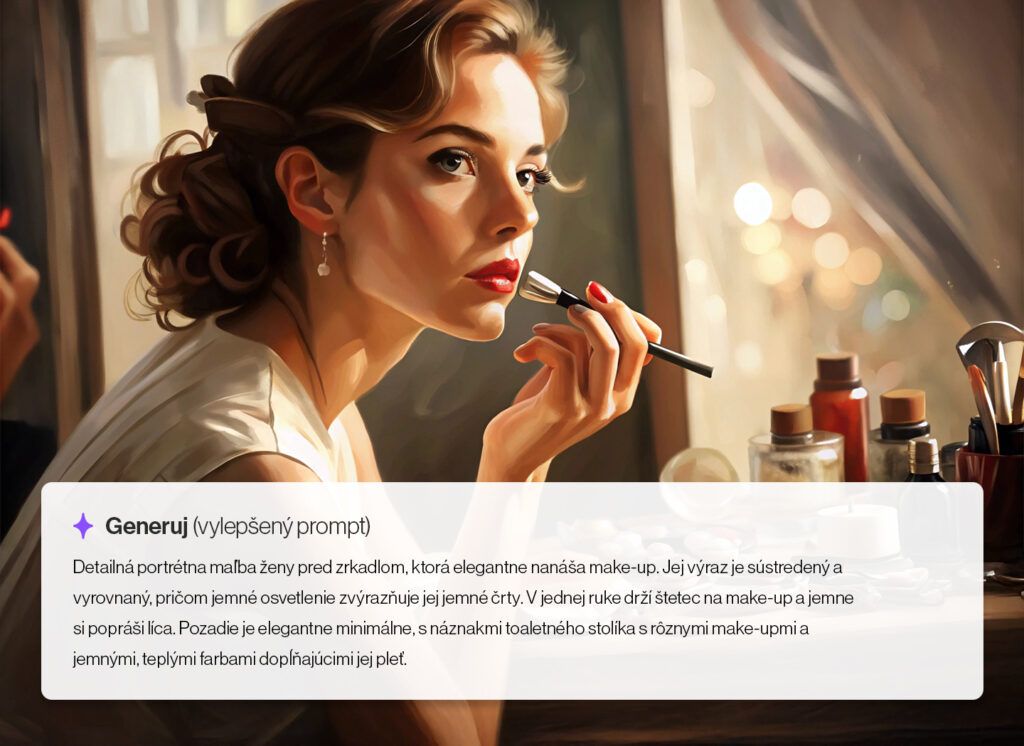
Adobe Firefly, as a product and as a model integrated into Adobe applications, offers generative artificial intelligence tools created specifically for creative needs, use cases and workflows.
It lets you adapt generated images into social media posts, through Adobe Express for instance, which offers plenty of templates for creating content.
Advantages:
Drawbacks:

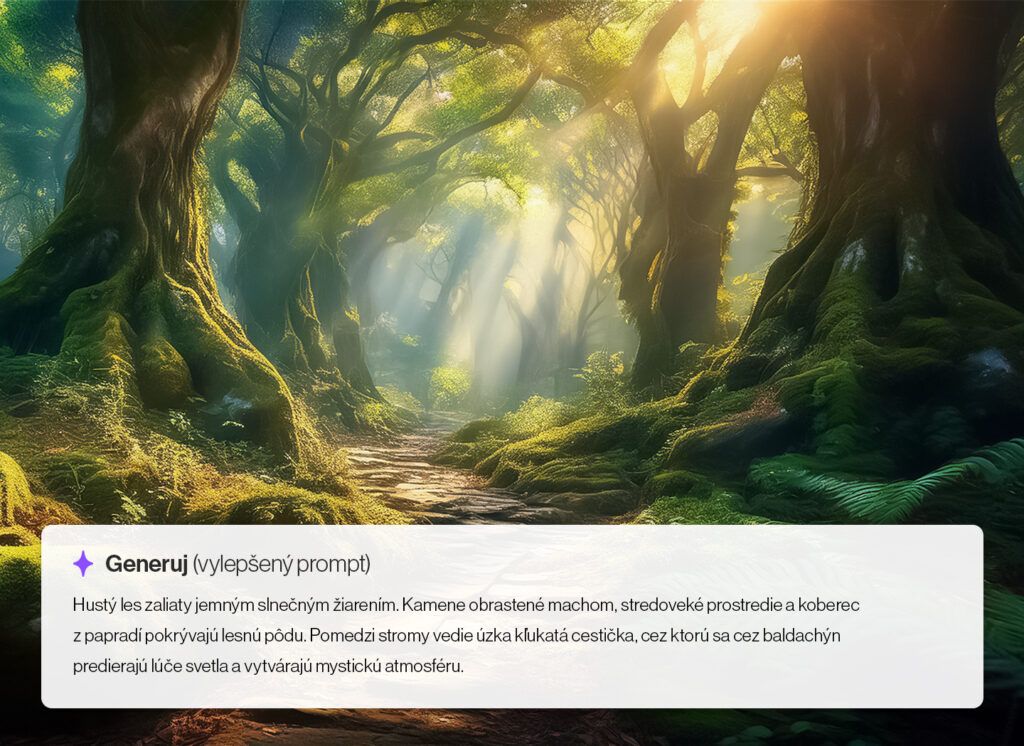
When choosing the right AI tool for generating images from text, weigh up several factors:
Choosing the right AI tool for generating images from text depends on your particular needs and goals. Whether you need to create quick visualisations for marketing campaigns or are looking for a tool for creating artwork, there are plenty of options on the market worth trying. Read more about how AI is changing the future of online marketing.
Take a look at the images the individual AI tools created for us from the same prompt:
"A skilled potter shaping clay on a wheel in a sunlit studio, surrounded by pottery."

If you are not sure which tool is the right one for you, we recommend trying several of them and comparing the results. Should you need further help or recommendations, do not hesitate to get in touch.
Leave us your e-mail and we'll send it straight to your inbox. You'll also start receiving practical tips from the world of digital marketing.
By entering my e-mail I consent to the processing of my personal data for the purpose of receiving Invelity's monthly newsletter. You can unsubscribe from the database at any time.
Leo Seres
Digital Graphic Designer
The latest trends, proven practices and analyses from the digital world. Find out how to take your technology and marketing growth further.
And don't forget to check out Invelity Extras – you'll find a marketing glossary, useful tools and plugins to make your work easier!
Invelity Extras