An introduction to Google Tag Manager
Digital marketing is developing fast, and it makes no difference what kind of site you have — a large website or an e-shop, a personal page or one for a small business. What matters is understanding how people interact with your website. Google Analytics can supply many of the important insights you are looking for, but used on its own you will run into certain limits. A good answer here is Google Tag Manager, which lets Google Analytics gather far more data without any developer work.
Tags are snippets of code added to a page that collect information and send it to third parties. Tags can serve all sorts of purposes, including scroll tracking, tracking form submissions, remarketing and tracking how people behave on your pages. Tags are also used to track specific events such as a file download, a click on particular links, or items removed from a shopping cart.
Google Tag Manager (GTM) is a tool with a pleasant web interface that simplifies the whole process of implementing and working with tags. With GTM you can add, edit and disable tags without touching the source code or having to contact a developer.
Although Google Tag Manager is Google's own creation, it is not limited to Google tags such as Analytics or AdWords. You can use all sorts of third-party tags here, Twitter, Facebook, Sklik and Hotjar among many others. If there is some other tag that GTM does not carry, you can add it through custom HTML code.
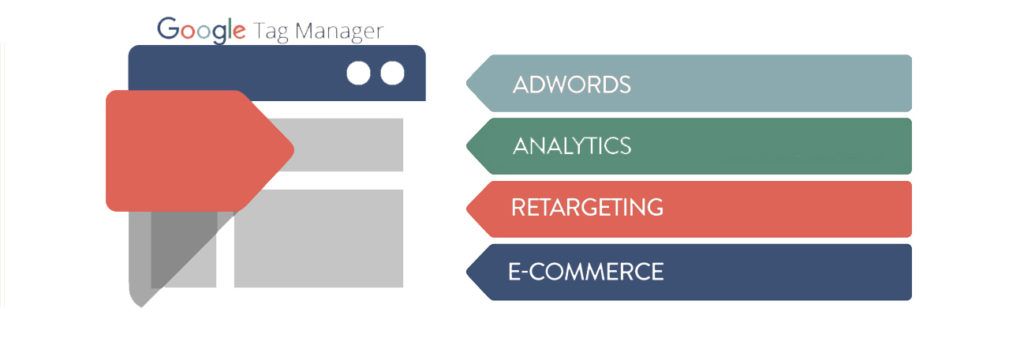
The upsides and downsides of GTM
It cuts down the work for web developers
The greatest benefit is that marketing tags can be implemented without having to rely on web developers, who often have projects of higher priority than adding a measurement tag. From my own experience I know that such things then get forgotten. Since Google Tag Manager lets us avoid editing the source code, we can add tags quickly and easily ourselves, with no knowledge of programming. In my view this is a large advantage when, for instance, we need to get a tag onto the site at short notice and have no developer to hand.
Some technical implementation is still required
Although GTM helps us reduce the help we need from developers, we cannot switch them off entirely. You will still need someone to add the code to every page of the site. Working with GTM is easy enough, but with more complex code you will need a developer's help. Watch out too for the fact that if such code is already implemented on the site and you are moving to Google Tag Manager, it has to be removed from the site to avoid measuring the same data twice.
Most companies can benefit from GTM
Companies of any size can potentially make use of this service. Since GTM makes adding and editing tags much simpler without a developer, it is excellent for smaller companies that either cannot afford one or have limited access to technical support.
One problem with tracking tags is that if they all fire at once, they can slow down how fast the site loads. As they fire, one tag loads slowly and holds up every other tag waiting on it. It is common knowledge that the longer a page takes to load, the likelier people are to leave without converting.
They can also be used for AMP pages or mobile apps
Google Tag Manager is not limited to pages for desktop computers; it can also be used for AMP pages or mobile apps. With mobile apps GTM can be an enormous help, because it lets you add tags without having to ship an updated version of your app. In this guide we will look at using GTM for the web.