In our work we use many different tools that help make the whole process more efficient. And not only that — they save us time. Among other things, our PPC specialists use these 10 Google Chrome extensions, which we will introduce today, explaining what they do and how they help.
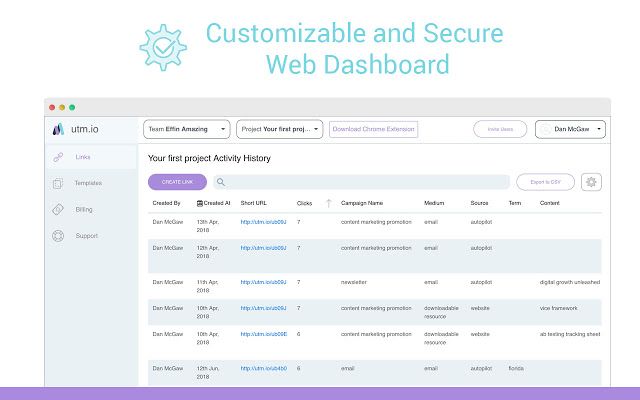
UTM.io
This extension offers simple, fast creation of UTM parameters for links, with the option of shortening them too. Just click the extension icon on the page you want to share and fill in the parameters. Thanks to it you will also see better information about your traffic sources in Google Analytics.
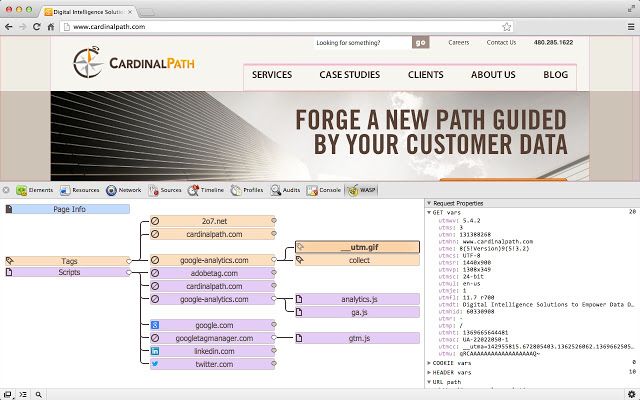
WASP.inspector
WASP provides a visual representation of the tags firing on your site and the relationships between them. With it you can get a detailed technical picture of what happens "behind the curtain": it shows a tree of every request made on the site, sorted by domain. Thanks to it you can quickly find out whether the page carries tracking code for Hotjar, DoubleClick and so on, for which there are no separate extensions.
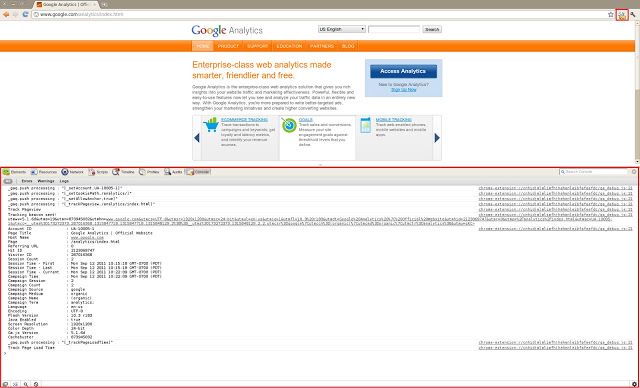
Google Analytics Debugger
This extension lets you debug Google Analytics. It writes every event, dimension, tracking code and so on into the console.
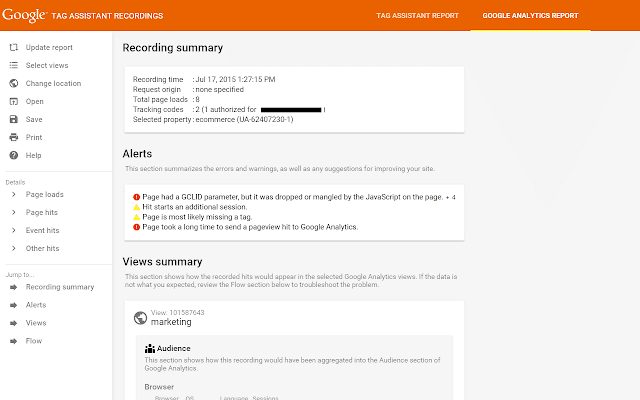
Google Tag Assistant
This app helps troubleshoot the installation of various Google tags. The assistant tells you which Google tags are on the page and, where needed, reports their errors and suggests how to fix them. It checks most Google services.
Facebook Pixel Helper
This tool is used to troubleshoot and verify a Facebook Pixel implementation. You can see every event firing in real time.

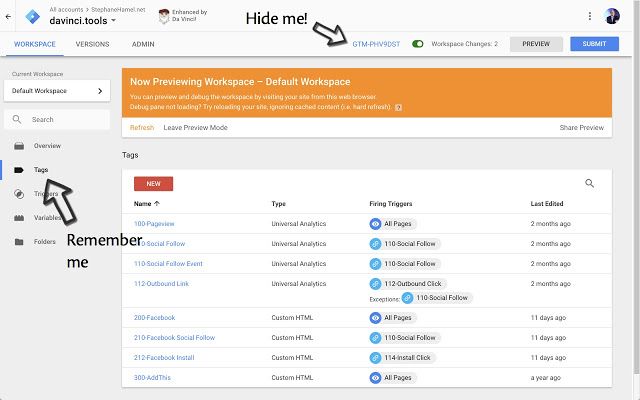
This extension gives you useful improvements to Google Analytics, Google Tag Manager, Google Ads and Data Studio. Through it you can, for instance, switch every built-in GTM variable on and off at once. It is also used for cancelling orders and for a simpler view in Google Ads and Google Analytics. Colour comparison lets you assess campaign performance against the rest more quickly.
Wappalyzer
This extension works out what technologies a site is built on — with it you can find the CMS, the libraries and plugins used, the tracking codes and the type of database.

Tag Manager Injector
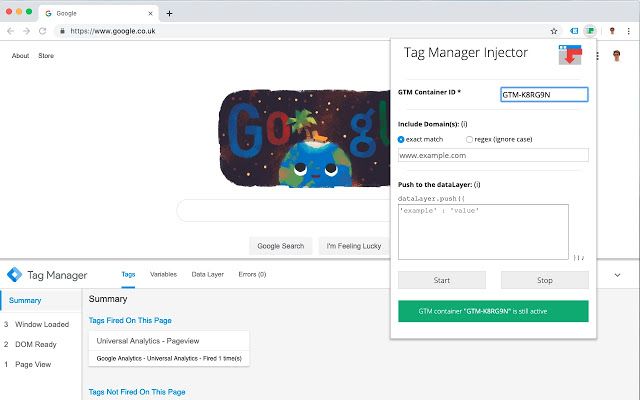
With this extension you can inject GTM (the tracking code) into a page that does not carry it, so you can verify and test tag measurement.
ColorZilla
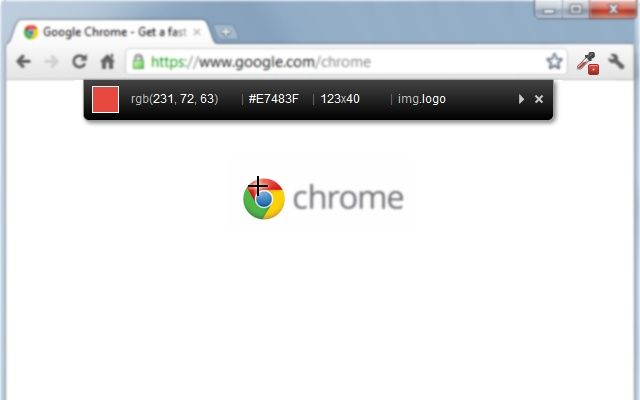
ColorZilla shows the whole palette of colours used on a page. The colour picker works by letting you choose the colour you want and then showing you its code. It will also generate a gradient between two colours. It is used for personalising CTA buttons in responsive banners as well.
If you have been thinking of taking up any of these Google Chrome extensions, go right ahead. They make our PPC specialists' work considerably easier and, just as importantly, save them time, so they can work effectively on our projects.
The tenth extension is your tip to give. Share in the comments which tool you like using that is missing from this article.